Pins to Profit Series, Part Two: How to Create a SEO-Focused Pinterest Strategy
If you're joining us from part one, where we covered why your brand needs to be on Pinterest, but now you're probably thinking, "How do I make this happen?"
Posting on Pinterest shouldn't feel like you're throwing spaghetti at the wall. It should be strategized to fit your target audience and be something people want to pin to their boards, share with friends, and click the link to. It's more than just scheduling an image or adding a textbox, your pins should be strategized from visuals to caption, to title. And we can't forget about an SEO-focused profile, bio, boards, and board descriptions, too. This all might sound like a lot, but we are here to walk you through every step, and by the end, if you're still feeling overwhelmed, we'll explain how you can hire a team of Pinterest experts to take over.
How to Create a SEO-Focused Pinterest
Step One: Creating a Strategized Profile
Your profile photo should be consistent among all platforms, use your logo, or a photo of yourself if you're a personal brand.
Your name: Use your business name and create a title for yourself that you can use in the same line for searchability.
Your bio should contain keywords and answer the "who," "what," and "why" of your company. Who do you help, what do you help them with, and why do you do it?
Add your website link to your profile so it's easy for your audience to learn more about you after reading your bio.

Now, let’s dive in more with Pinterest boards.
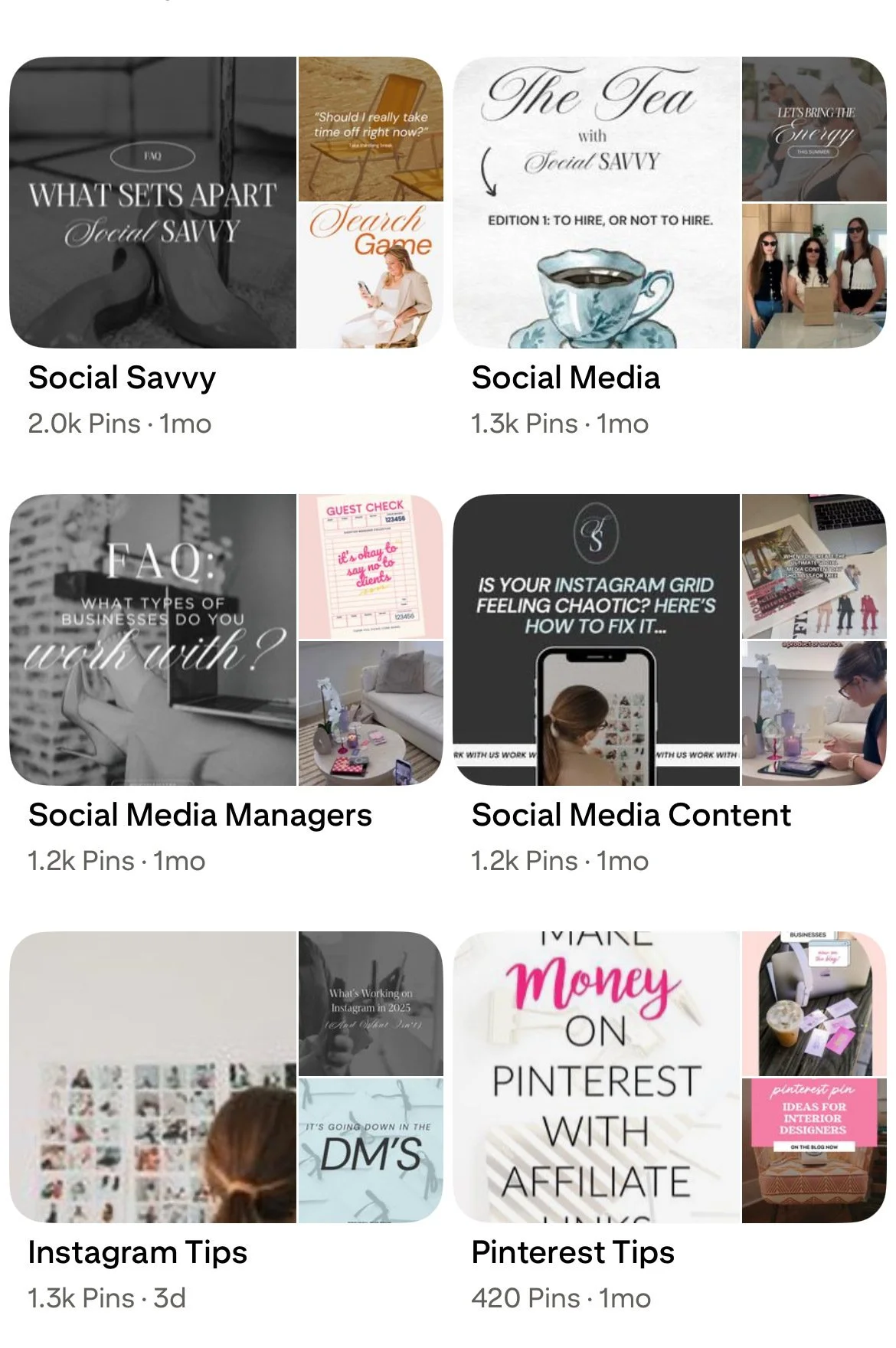
Step Two: Your Pinterest Boards
Your boards should be SEO-focused and strategized:
Cover photo: This is the first impression of your board. Think of it as the “book cover” for your content. It should be a pin that accurately represents what your board — Choose something eye-catching and branded.
Board Name: Your board name should be something clear, searchable, and directly tied to the type of content you’ll be pinning inside. Think of it as the headline for a newspaper; it needs to instantly hook your audience in and let them know what to expect. We love a cute, punny board name as much as the next person, but those belong on your personal profile. On your business account, it’s best to get right down to business (literally). Instead of “Let's get social,” go with “Social Media Marketing Tips,” for example.
Board description: This one is so often forgotten about, but your board description is important. This tells Pinterest (and your audience) what your board is about and helps your content show up in search. Without a description, you’re missing an opportunity to use keywords, share context, and make your boards more discoverable.
Step Three: The Pins
Pin Design:
Pinterest is such a visual platform; that's what it's all about. So take the time to make your pin stand out in the sea of other pins! Design pins with catchy text, photos, videos, and leverage all of Pinterest's features, which focus on getting them to click, pin, and come back to!
Pin Copy:
Again, Pinterest is a search engine: keywords are your friends!
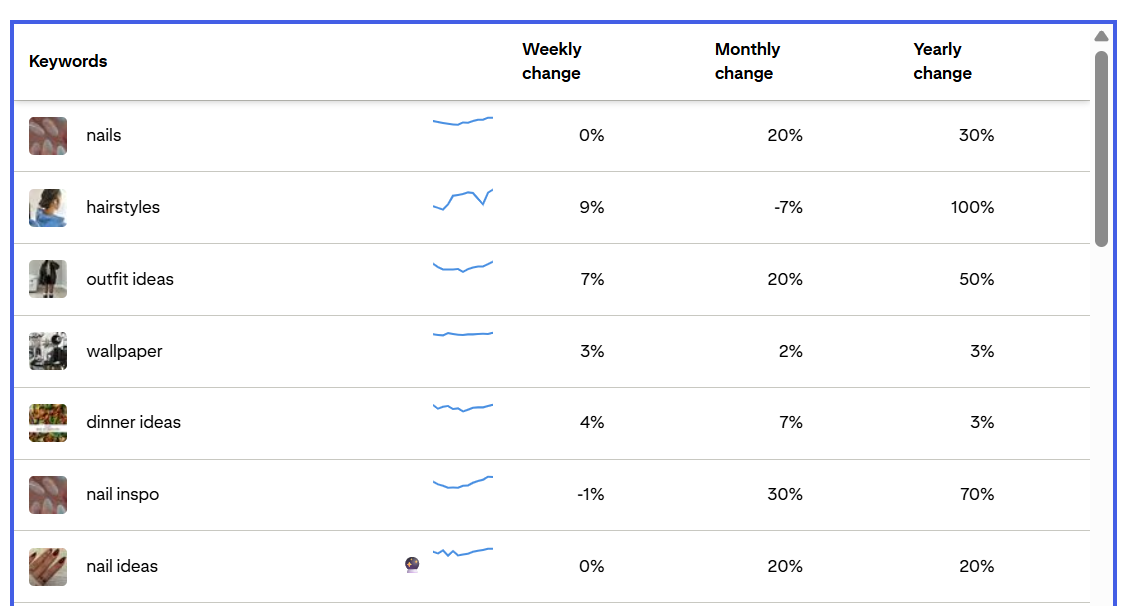
You can do your keyword research directly on Pinterest. Start typing generic search terms in the search bar, and write down all of the suggestions that pop up, or go to the "trends" tab to see what is trending over time. Make sure all the key phrases you are choosing are relevant to your niche!
Now you know how to strategize your pins, let's talk about what you should actually be pinning. Join us in part three of our Pins to Profit series on Monday.